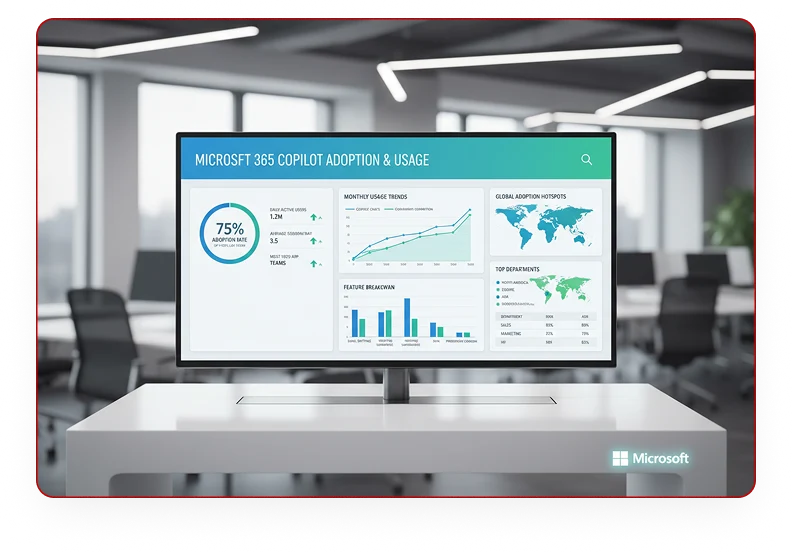
Try Microsoft 365 Copilot Business for 30 Days.

Give 25 of your users a FREE, guided, hands-on Copilot experience across Outlook, Teams, Word, PowerPoint, Excel, and advanced AI scenarios.

Get Started Today

Fill in the form and we’ll respond immediately
Why Copilot in 30

GUIDED VALUE INSTEAD OF GUESSWORK

Why Copilot in 30?

AI adoption should begin with practical value, not guesswork. Copilot in 30 helps your organisation test Microsoft 365 Copilot in real work, with a structured plan, guided prompts, usage tracking, and a clear path to paid deployment.

GUIDED VALUE INSTEAD OF GUESSWORK

What Does the Copilot Free Trial Include?

25 Trial Seats

25 Trial Seats

Equip key stakeholders and power users with free trial licenses.

30-Day Guided Plan

30-Day Guided Plan

Structured timeline focusing on core productivity benchmarks.

Trial Setup Support

Trial Setup Support

Hands-on license provisioning and environment validation.

Weekly User Enablement

Weekly User Enablement

Interactive syncs keeping your evaluation team aligned.
Prompt Guidance

Prompt Guidance

Field-tested playbooks to extract immediate daily utility.
Adoption Check-Ins

Adoption Check-Ins

Continuous telemetry-driven usage optimization.
Value Review & Recommendation

Value Review & Recommendation

Clear post-trial deployment roadmap & expansion plan.

Evaluation Criteria

Who Should Apply?

This trial is designed for organisations that:

Who Should Apply
point-1

Use Microsoft 365 Business Standard or Business Premium

Using Microsoft 365 Business Standard or Premium tenant licenses.

point-2

Have not yet deployed paid Copilot licences

Organizations that have not yet active or deployed paid Copilot licenses.
point-3

Have 50 to 300 Copilot-eligible users

Perfect scale to build cross-department trial velocity.
point-4

Want a structured AI productivity pilot

Committed to driving structured AI pilot adoption checklists.

User Journey

The 30-Day Experience

Copilot in 30 Days — Timeline
Week 1
1

Catch up and communicate in Outlook

Outlook communication optimization & scheduling automation.
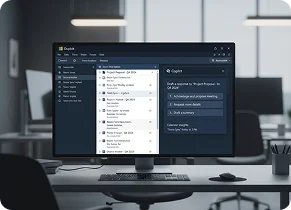
Copilot in Outlook
Week 2
2

Run better meetings in Teams

Harness Teams real-time notes and actionable synopses.

Copilot in Teams
Week 3
3

Create faster in Word, PowerPoint and Excel

Draft and analyze across Word, PowerPoint, and Excel.
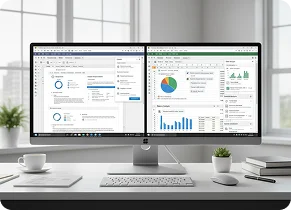
Copilot in Word, PowerPoint and Excel
Week 4
4

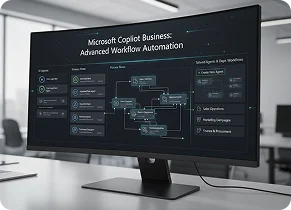
Explore agents and advanced workflow scenarios

Build tailored agents and automate department workflows.
Post-Evaluation Plan

What Happens After 
30 Days?

At the end of the trial, we review adoption, usage, and business feedback with your team. If the trial proves value, we help you convert selected users to paid seats and build a broader expansion plan.
Post-Evaluation Plan